Lookbook
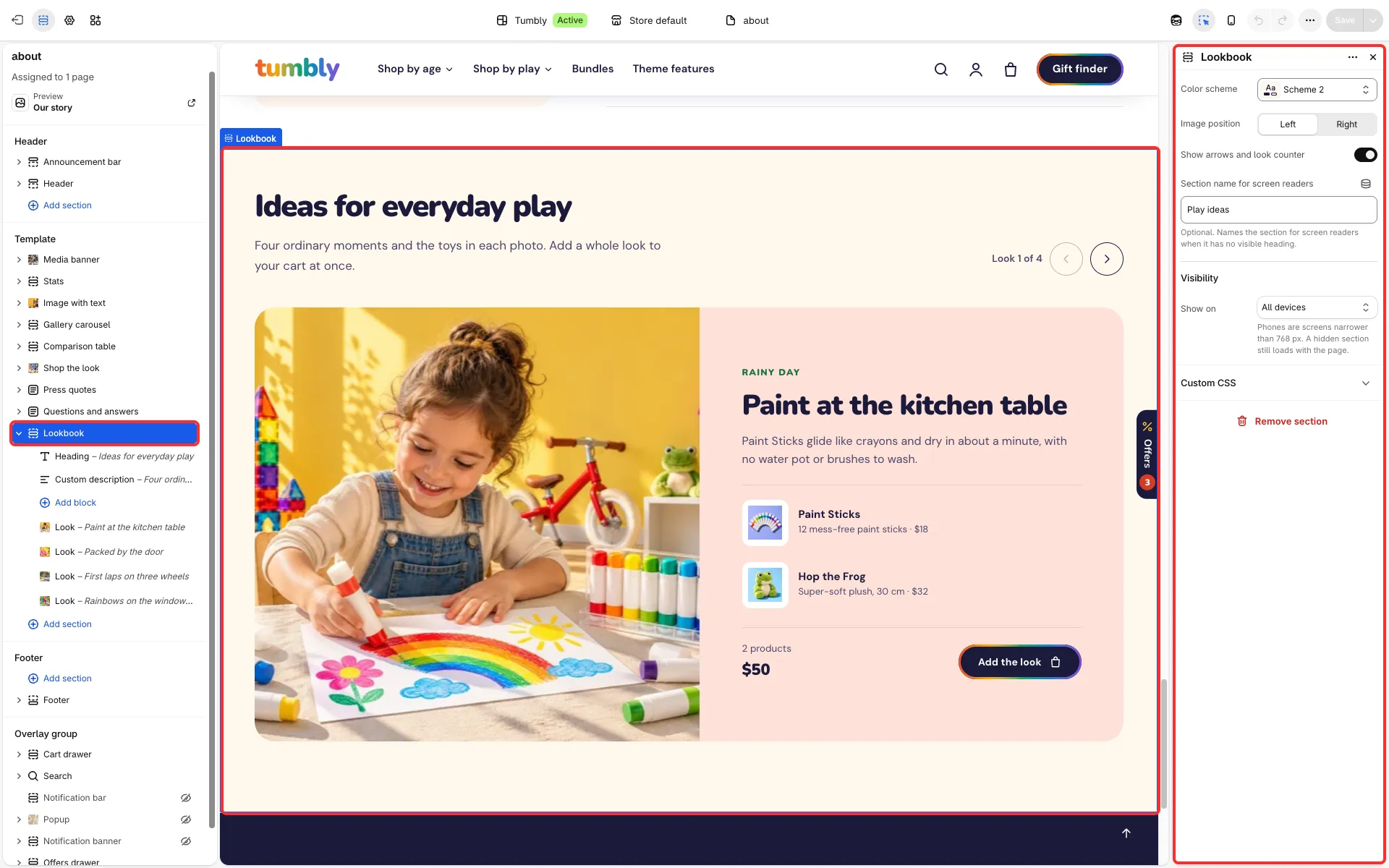
Looks shown one at a time: a large image beside a heading, a text and the products in the look. Use it for outfits, room sets or routines.
Main settings
Section titled “Main settings”- Image position: left or right.
- Show arrows and look counter.
- Each Look block: Image, Tag, Heading, Text, Products and Background color.
Good to know
Section titled “Good to know”- Gift cards, products with a custom field (tag
personalized) and products sold only on subscription are not added by the look’s add-all button; they link to their product page instead.