Discount codes in the cart
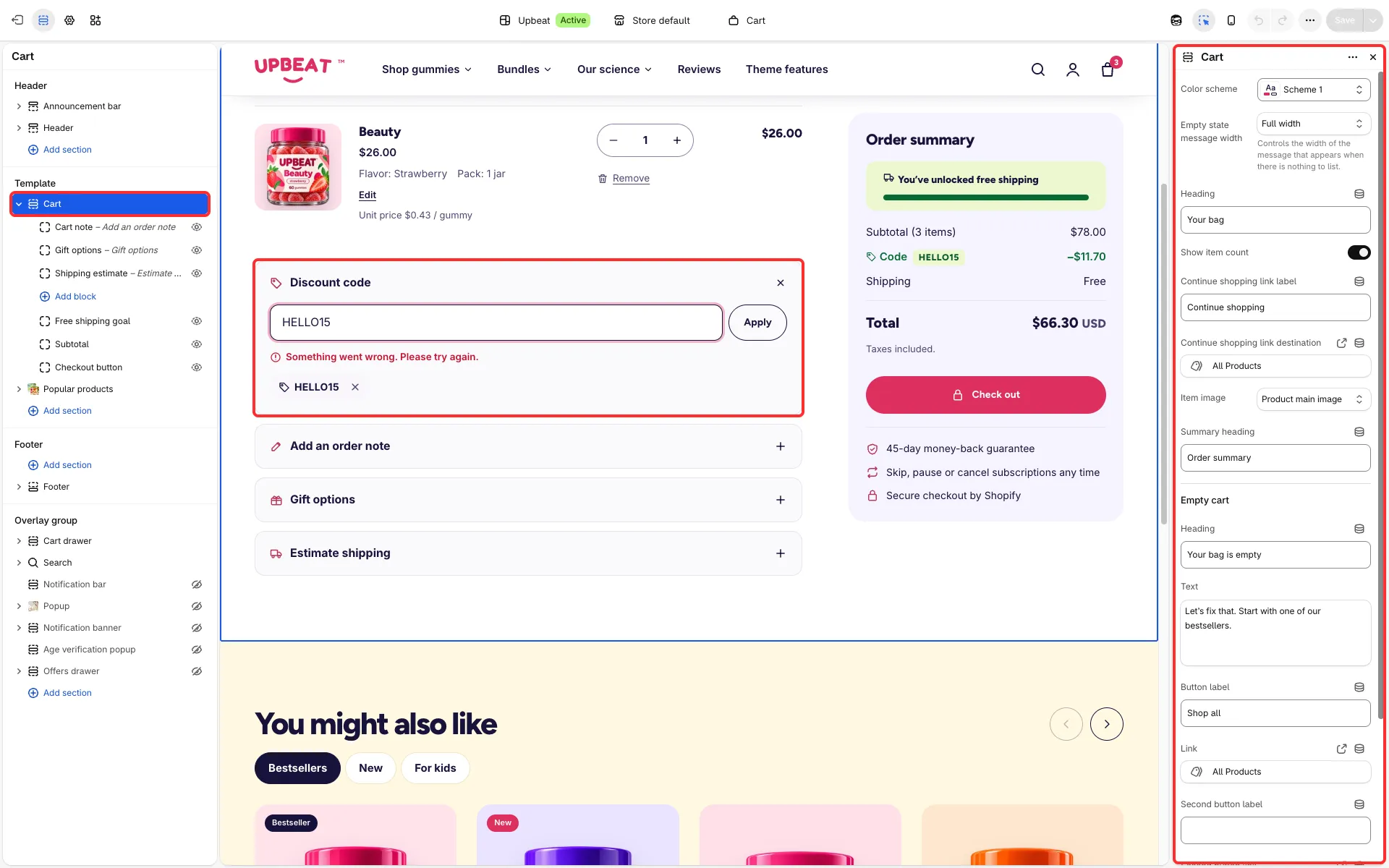
Shoppers can apply and remove discount codes in the cart before checkout.
Main settings
Section titled “Main settings”- Theme settings → Cart → Show discount code field (on by default): turns the field on in the cart drawer and on the cart page.
Good to know
Section titled “Good to know”- Create the discounts in Discounts first; the theme only passes the code on.
- A code that Shopify accepts but that takes nothing off the cart yet, such as a free shipping code, shows as Applied at checkout.
- A code the cart no longer qualifies for (for example after a quantity change below its minimum) shows as Not applied to this cart until the cart qualifies again or the shopper removes it.