Languages and markets
Sell in more than one language or country, and change the theme’s own words.
Languages
Section titled “Languages”- The theme’s own storefront texts (buttons, cart, forms, messages) ship in English, French, German, Spanish and Italian.
- To sell in another language, add it in Settings → Languages and publish it. Your products, pages and the texts you type into sections are translated with Shopify’s Translate & Adapt app, which also edits the theme texts of the other languages.
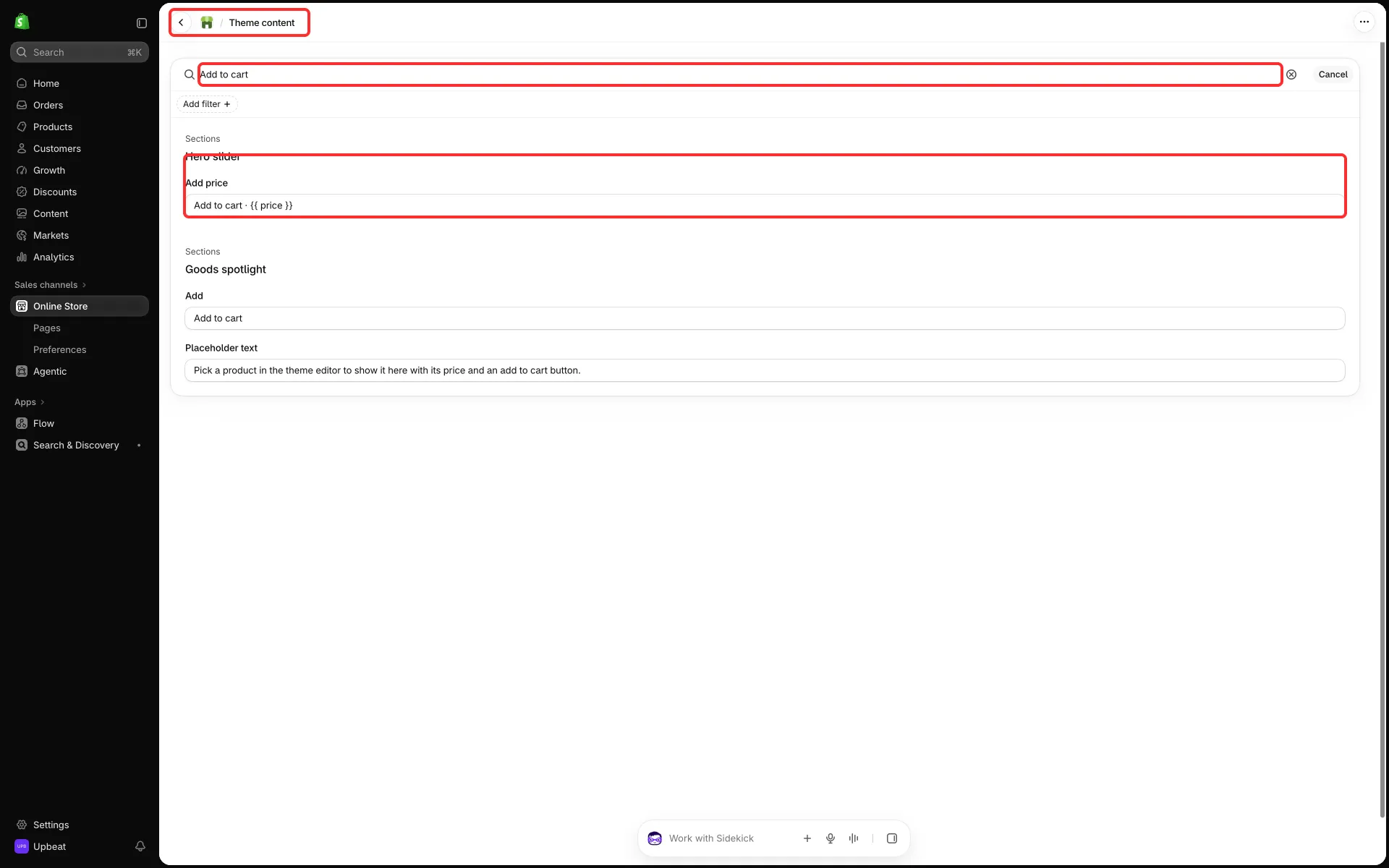
- To change the wording of a theme text in your default language, such as “Add to cart”, use Online Store → Themes → ⋯ → Edit default theme content and search for the text.
Country and language selectors
Section titled “Country and language selectors”- The announcement bar, the header and the footer each have Show country selector and Show language selector settings, and the header has Show country and language selectors for the menu drawer.
- A selector appears only when the store sells to more than one country (Settings → Markets) or has more than one published language (Settings → Languages).
Prices in other currencies
Section titled “Prices in other currencies”- The free shipping bar shows only in the store’s own currency. See Free shipping bar.
- Quiz budgets are converted at Shopify’s rate. See Product quiz.