Collections list page
The page that lists all collections, or the ones you pick, as cards.
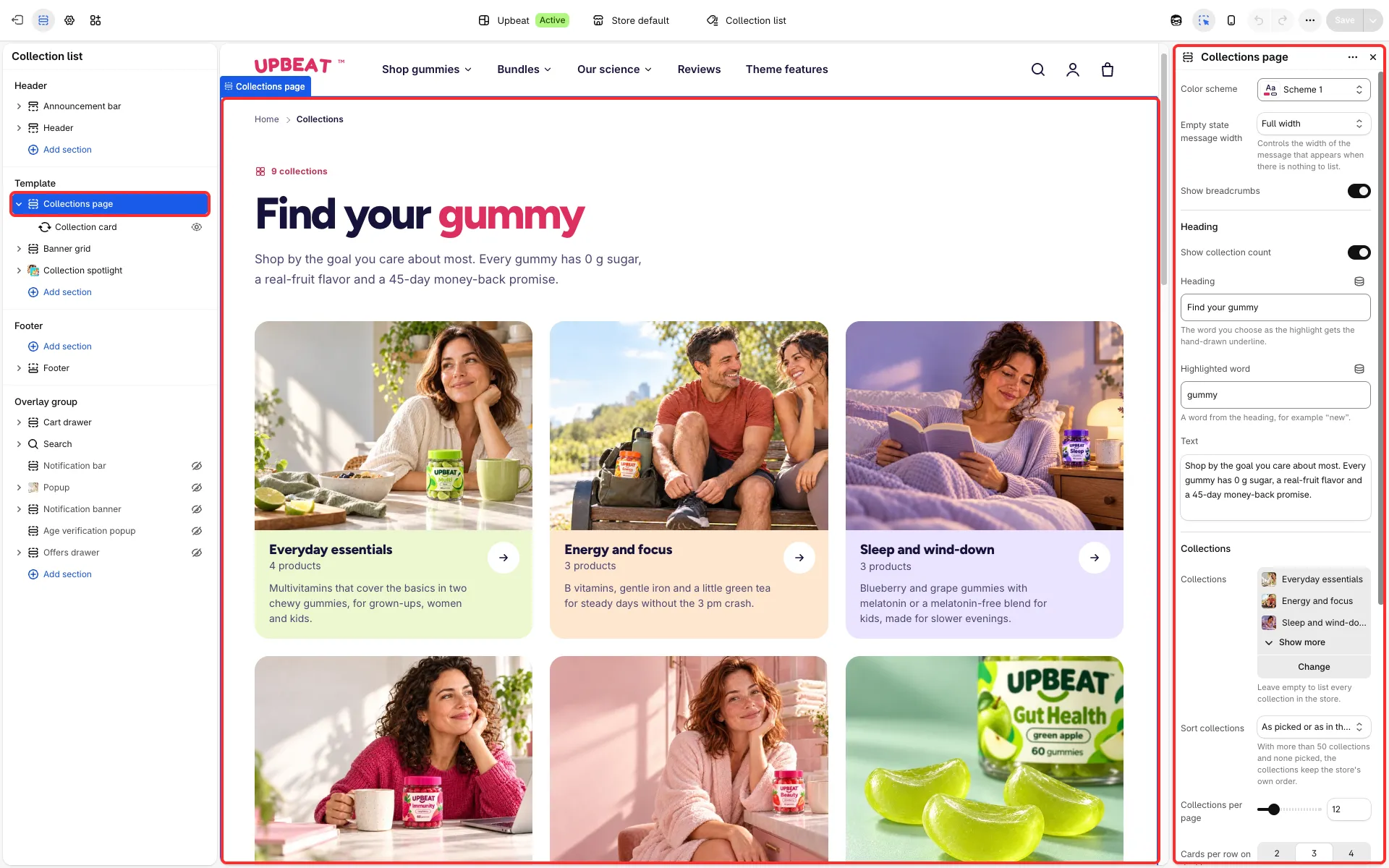
Main settings
Section titled “Main settings”- Heading group: Show collection count, Heading, Highlighted word and Text.
- Collections group: Collections, Sort collections (as picked, A–Z, Z–A, product count, date), Collections per page and Cards per row on desktop (2, 3 or 4).
- Collection card block: Image shape, Show product count, Show description and Short title.
- No collections group: heading, text and a button.
Good to know
Section titled “Good to know”- With no collections picked, all collections show, paged through.