Feature split
Text and a list of points beside one picture stage, plain or on a colored panel. Use it to explain one feature with a screenshot or a product picture.
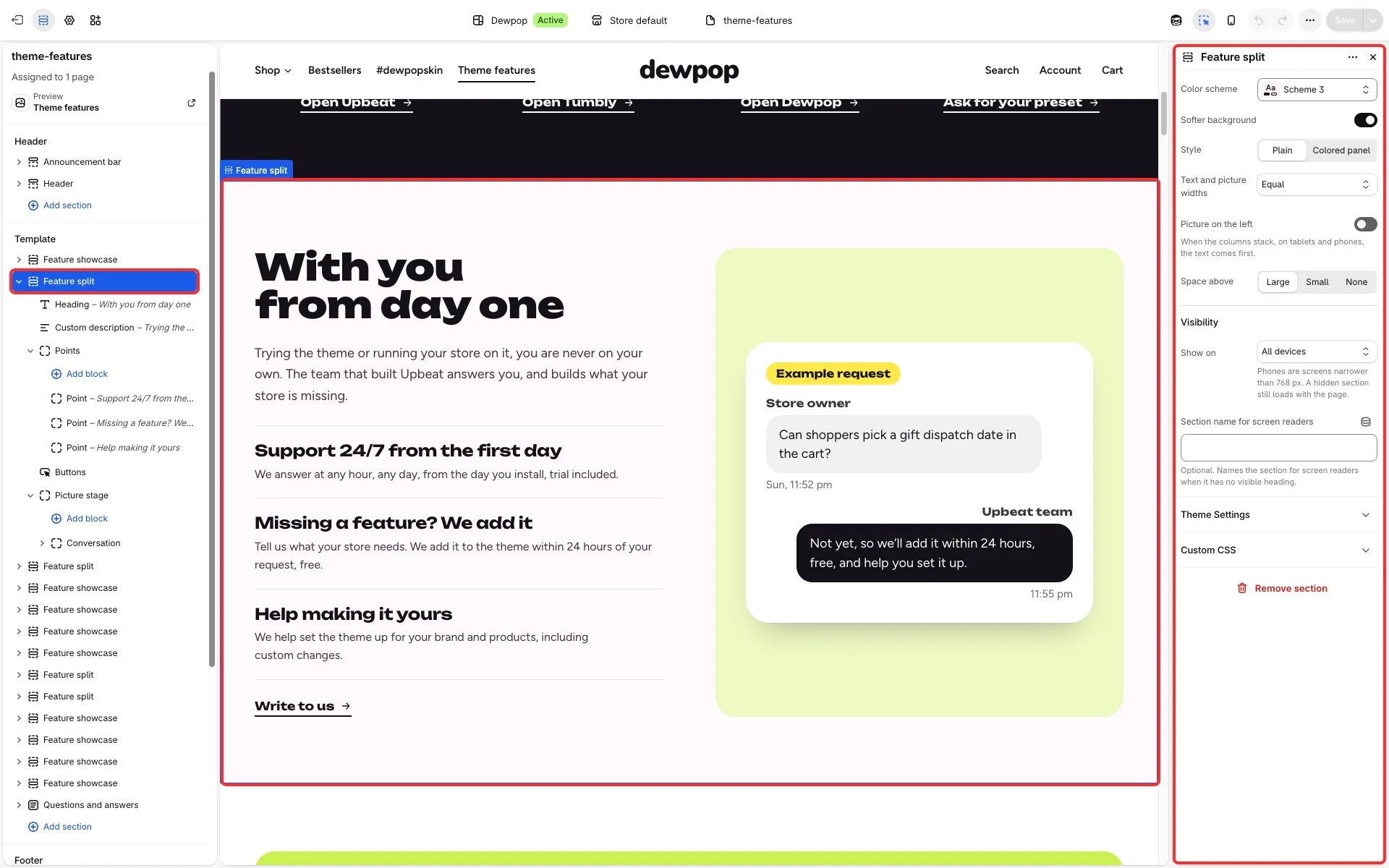
Main settings
Section titled “Main settings”- Style: Plain or Colored panel, with Panel color scheme.
- Text and picture widths and Picture on the left.
- Space above.
- Fixed blocks: Heading, Custom description, Points, Buttons and the Picture stage (Pictures layout, Colored background, padding). The stage holds Picture and Conversation blocks.
Good to know
Section titled “Good to know”- A Picture can have a separate Phone image and can be hidden on phones.
- Its presets are Feature split and Feature panel.