Comparison table
Your product against other options, feature by feature, with ticks, crosses or short text. Use it when shoppers compare you with a usual alternative.
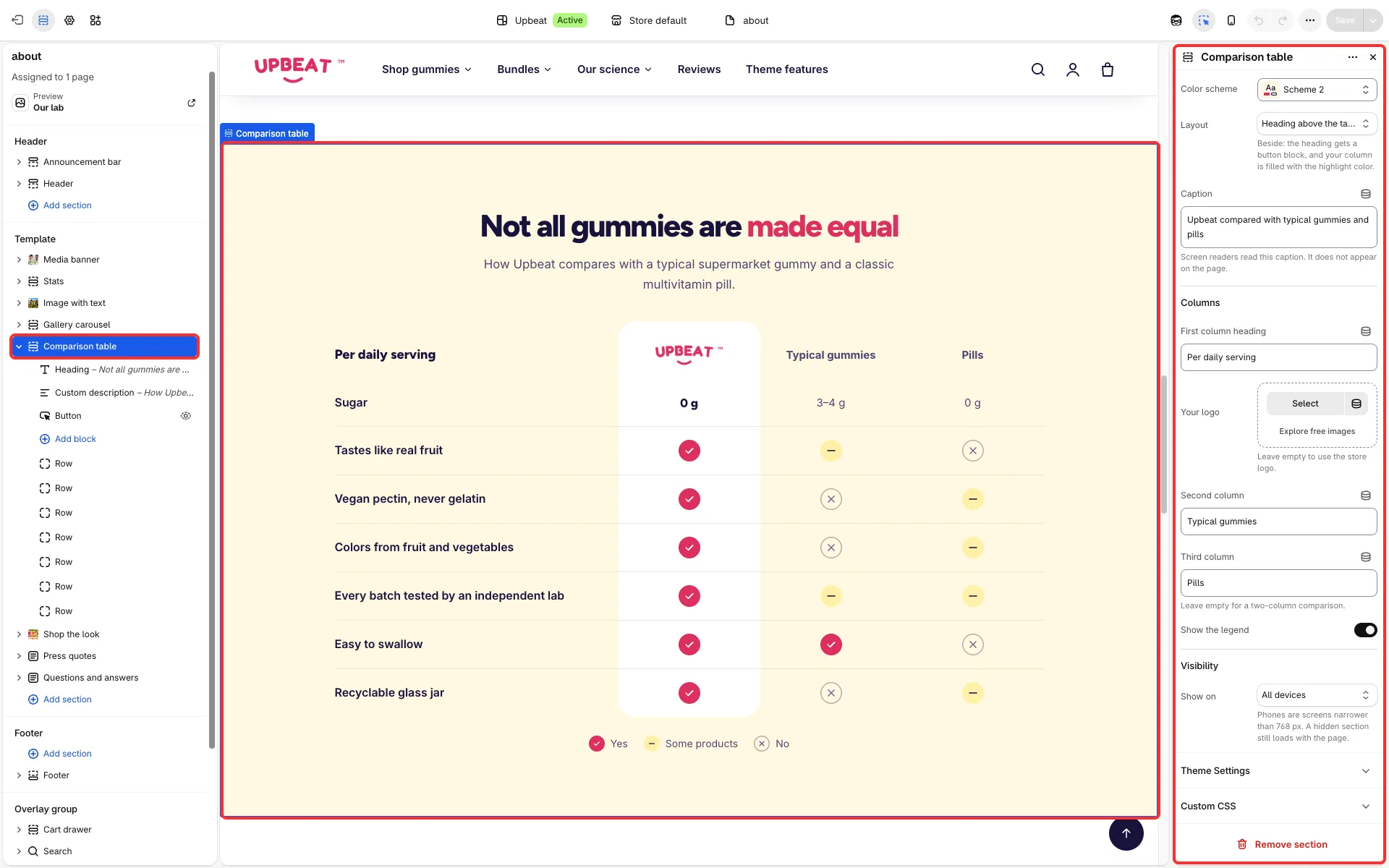
Main settings
Section titled “Main settings”- Layout: Heading above the table or Heading beside a framed table (the heading and a button sit beside the table).
- Columns group: First column heading, Your logo, Second column, Third column and Show the legend.
- Caption: a line under the table.
- Each Row block: the Feature and, per column, a Value (yes, no, partly, text or a number) with its Text.
Good to know
Section titled “Good to know”- Compare only facts you can support, and name the alternatives in general terms.