Before and after
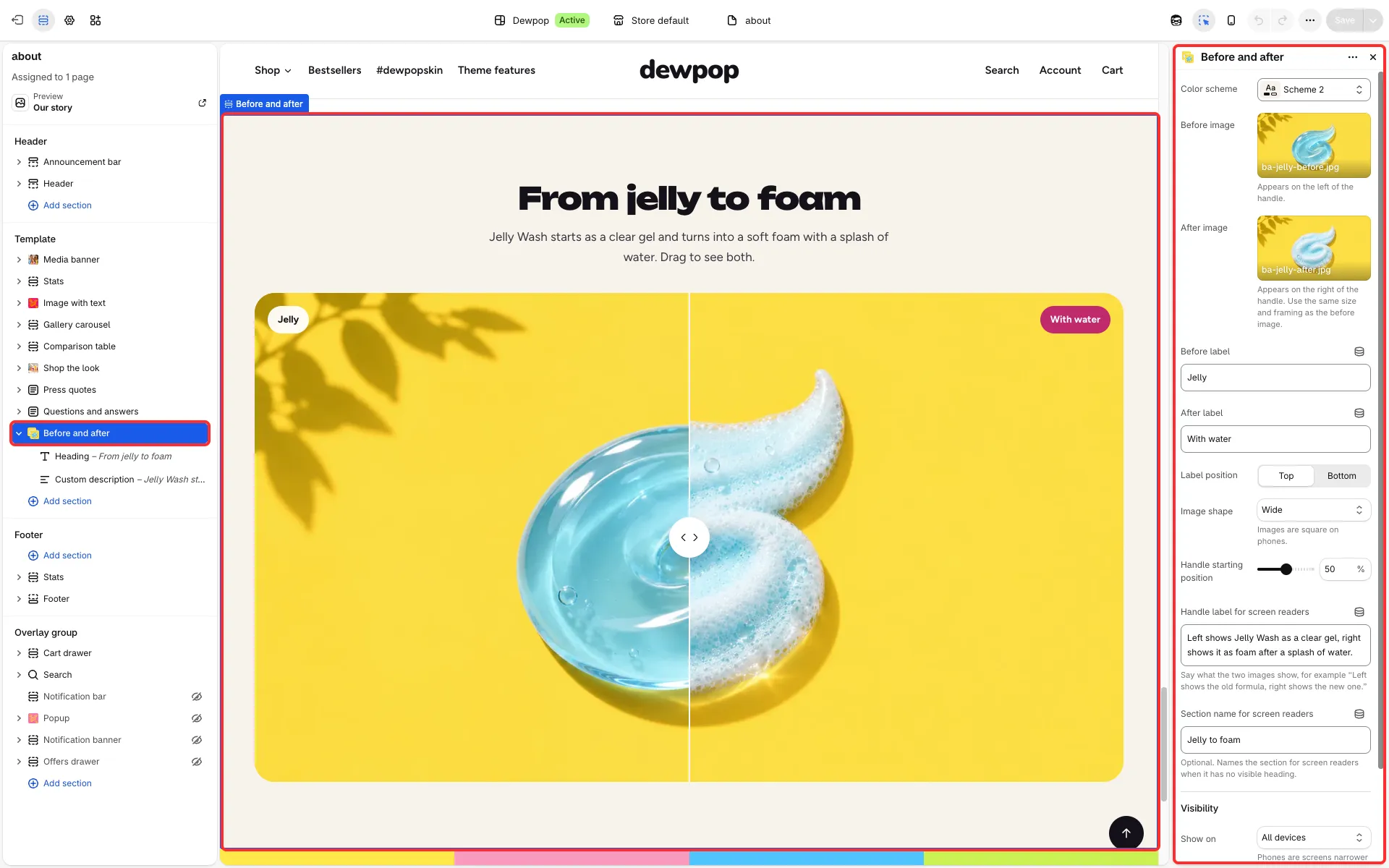
Two images on top of each other with a handle that shoppers drag to compare them. Use it for results you can show honestly, such as a room before and after, or a product fresh and after use.
Main settings
Section titled “Main settings”- Before image and After image.
- Before label and After label, and Label position (top or bottom).
- Image shape: wide, a narrower wide shape, or square.
- Handle starting position: where the handle sits when the page opens, in percent.
- Handle label for screen readers: what screen readers announce for the handle.