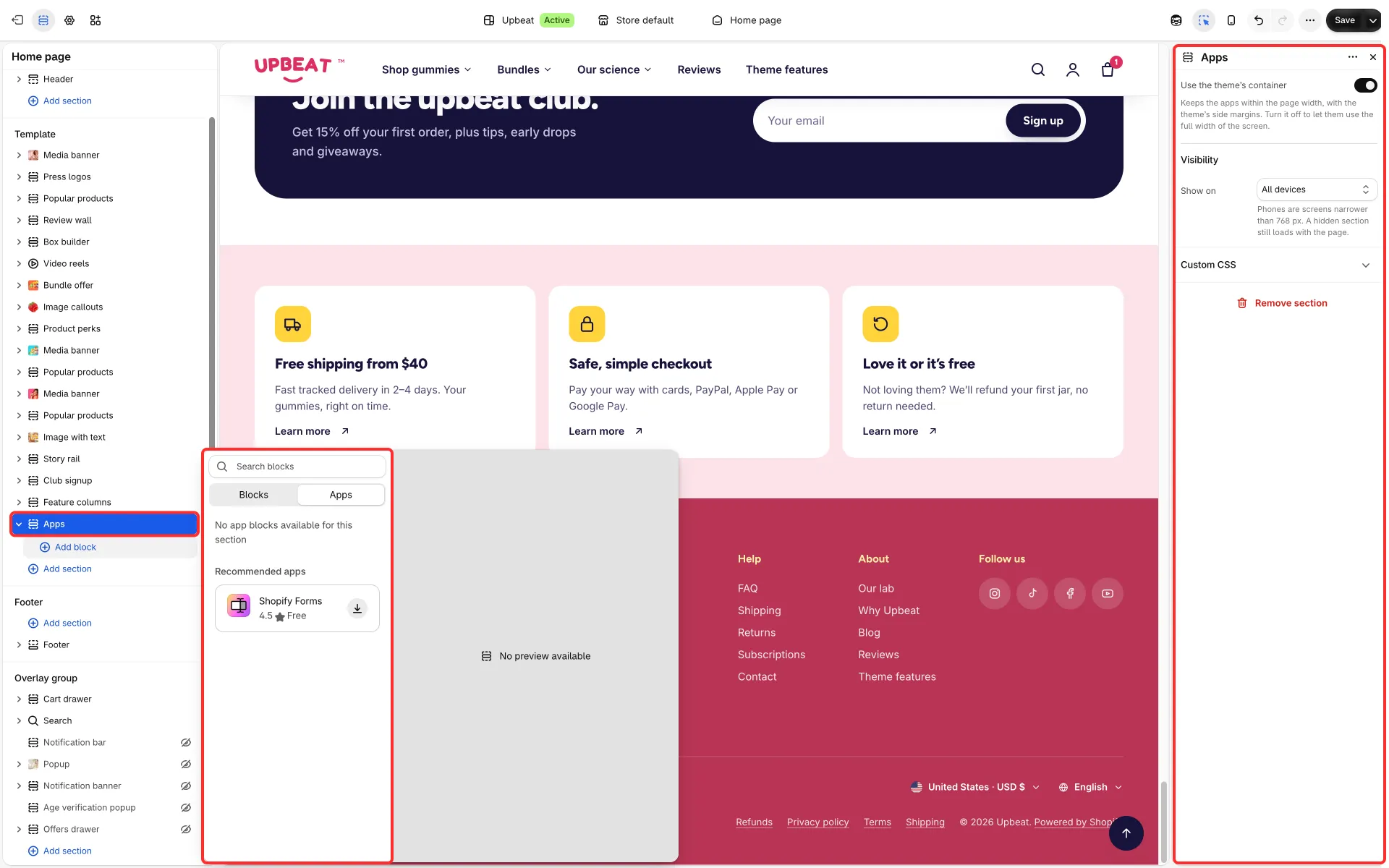
Apps
Holds blocks from your apps, such as a reviews widget, a size guide or a subscription widget, as its own row on a page. Use it when an app gives you an app block and you want it between two sections rather than inside one.
Main settings
Section titled “Main settings”- Use the theme’s container: on (the default) keeps the apps within the Page width, with the theme’s side margins, like the other sections; off lets them use the full width of the screen.
- Show on: all devices, phones only, or tablets and computers only.
- Blocks: any app block from Add block → Apps, and Custom Liquid.
Good to know
Section titled “Good to know”- The section can also go into the footer group. It can’t go into the header or the overlay group.
- Apps that float over the page or work on every page come as app embeds, not app blocks. See App blocks and app embeds.