App blocks and app embeds
How apps add their own content: a reviews widget, a subscription widget, a chat button.
App blocks
Section titled “App blocks”Add one with Add block → Apps in these places:
- the Apps section and the Blocks section, on any template;
- Featured product and the Cart section of the cart page;
- on the product page, the Product panel, Product details, Extras and Extras group blocks.
The Apps section has Use the theme’s container (on by default): it keeps its apps within the Page width, with the theme’s side margins. Turn it off to let them use the full width (see Apps).
App embeds
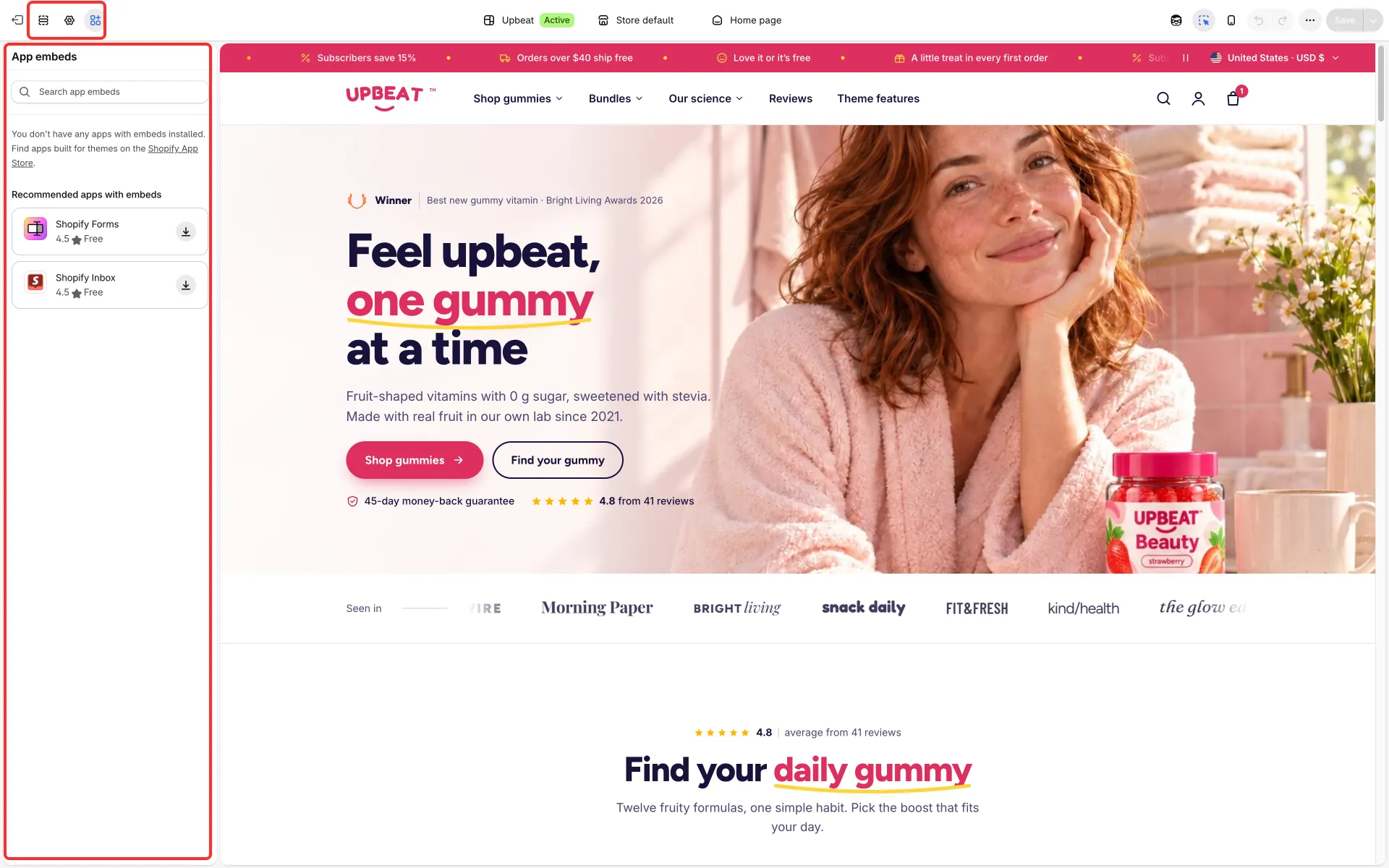
Section titled “App embeds”Apps that float over the page or work on every page (chat buttons, cookie banners, tracking) come as app embeds. Turn them on with the App embeds icon in the theme editor’s sidebar.